AI TOOL / #02394
Celina
An AI-powered spreadsheet assistant that uses natural language to manage and analyze data.
Introduction
AI-powered spreadsheet assistant that uses natural language to manage and analyze data.
What is Celina AI?
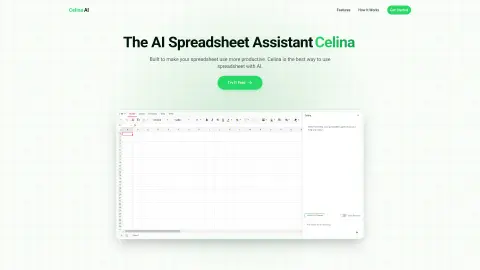
Celina is an AI-powered spreadsheet assistant that revolutionizes the way you work with data. It enables users to create, edit, and modify spreadsheets in plain English. Users can insert their own data or obtain information through advanced research methods. By combining the powerful capabilities of AI with traditional spreadsheet functionality, Celina helps users work more efficiently, supporting natural language commands, formula assistance, visualization tools, and data retrieval features.
How to use Celina AI?
To use Celina, simply import your spreadsheet file (in .xlsx or .xls format) or copy and paste the data directly. You can then pose questions in plain English or specify the calculations you need to perform. Celina will analyze the data and provide immediate answers, charts, and recommendations.
The core functions of Celina AI
natural language commands
Formula Assistant
visualization
Data acquisition
Related
Blaze Feeds
An AI-powered RSS reader with smart summaries and cross-platform support.
ResearchBuddy.app
ResearchBuddy automatically generates literature reviews and briefs.
OneClick AI
OneClick AI simplifies workflows by allowing users to extract and summarize content with just one click.
PowerPost
PowerPost summarizes, translates and allows interaction with articles for quick insights.
rKnown2Notion
Notion integration for automatically syncing knowledge bases and content from Understanding Reading.
Markup – Web Markups & Highlighter
Markdown is a web-based highlighting tool designed for saving, sharing, and synchronizing highlighted text along with its summaries.