AI TOOL / #03976
PowerPost
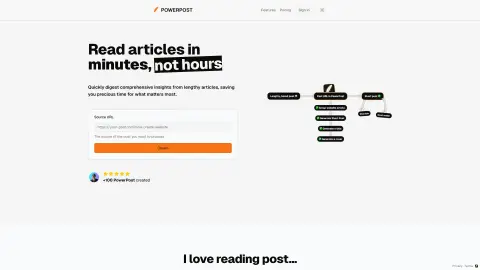
PowerPost summarizes, translates and allows interaction with articles for quick insights.
Introduction
PowerPost summarizes, translates, and allows chatting with articles for quick insights.
What is PowerPost?
PowerPost helps you turn lengthy articles into quick insights. It allows you to bookmark, summarize, translate and interact with posts in your preferred language and style. Designed to help you create content and learn faster by extracting the most important information from articles.
How to use PowerPost?
To use PowerPost, you simply provide the source URL of the article you want to process. PowerPost will allow you to bookmark, summarize, translate and interact with articles. You can also choose different article styles and reading preferences.
PowerPost Core Features
Summary of a lengthy article
Translate posts into different languages
Chat feature to interact with posts
Customizable reading style (color, font, size)
Save post to read later
Content creation assistance
Translate posts into different languages
Chat feature to interact with posts
Customizable reading style (color, font, size)
Save post to read later
Content creation assistance
Related
ProbeAI
An AI assistant for data analysts that helps generate, repair, and optimize SQL code.
Anything Copilot: AI Multitasking Tool, Real Chatgpt sidebar, Chatdoc
AI-based multitasking tools that enhance web browsing experience and increase productivity.
AtheneAlerts.ai (beta)
Enhance the live streaming experience with AI alerts and collaborative live streaming.
NeoBase
AI database assistant that converts natural language into optimized database management queries.
Theos Sales Copilot
Artificial intelligence tools used to automate and personalize sales outreach on LinkedIn and Instagram.
MacCopilot
A native macOS auxiliary application designed for use on screens where interactions with AI technologies take place.