AI TOOL / #09926
MacGaiver
An AI-powered macOS assistant that uses computer vision to answer questions regarding any application.
Introduction
AI-powered macOS assistant that answers questions about any application using computer vision.
What is MacGaiver?
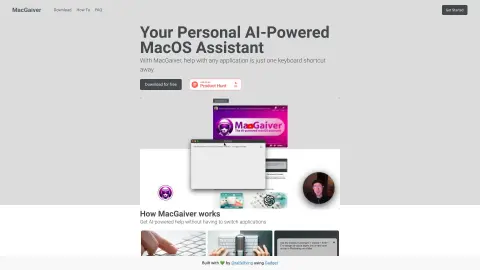
MacGaiver is an AI-powered macOS assistant that utilizes computer vision to answer questions regarding any application. By pressing a keyboard shortcut and posing your question, you can get assistance without leaving the current window. MacGaiver uses the OpenAI Vision API to provide answers in the context of your query.
How to use MacGaiver?
In any application, you can activate MacGaiver using keyboard shortcuts to submit your question—either in audio or text form. MacGaiver will then respond using answers derived from the context, relying on OpenAI GPT-V for its functionality.
The core features of MacGaiver
Provide AI-powered assistance within any macOS application.
Utilize computer vision to provide context-based answers.
Activate keyboard shortcuts
Integration with the OpenAI Vision API
Related
Tarteel
An AI-driven Quran application designed for reciting, memorizing, and detecting errors.
Talkingvet
Veterinary voice recognition extension, designed for efficient note-taking and hands-free operations.
MeetGeek: AI meeting summaries and transcription
Intelligent meeting assistant – enables automatic note-taking and enhances collaboration.
SendVocal: AI Voice Mail & Transcription
Record voice messages directly through your browser and send them; AI transcription will be performed immediately.
ZumaPiano
An AI-powered Chrome extension designed for learning the piano, offering personalized learning guides.
VOMO AI
An artificial intelligence tool designed for transcribing, summarizing, and organizing meeting notes.