AI TOOL / #05809
DigiFace
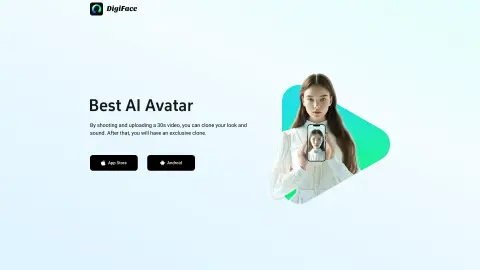
DigiFace uses 30-second videos and text to generate AI-generated avatar videos.
Introduction
DigiFace creates AI avatar videos from a 30s video and text.
What is DigiFace?
DigiFace allows you to seamlessly transform your appearance and voice into an engaging AI avatar video by simply recording and uploading a 30-second video. By entering text, you can instantly generate an AI avatar video with synchronized speech, saving time and improving productivity. With just one 30-second video recording, you can create a clone of yourself in terms of both appearance and voice – and thus obtain a unique digital version of yourself.
How to use DigiFace?
Record and upload a 30-second video to clone your appearance and voice. Then, enter the text you would like to have appear on your avatar, and DigiFace will generate an AI avatar video with that voice.
The core functions of DigiFace
Generation of AI avatars and videos
sound cloning
Physical appearance cloning
Text-to-speech avatar videos
sound cloning
Physical appearance cloning
Text-to-speech avatar videos
Related
Shulex Copilot
AI-powered e-commerce tools assist sellers in analyzing data, optimizing product listings, and enhancing customer service.
Celina
An AI-powered spreadsheet assistant that uses natural language to manage and analyze data.
Excel Dashboard Ai
AI tool that instantly turns Excel files into dashboards and reports.
RapidChart.ai
An AI-based tool for generating technical diagrams from text.
Vizzy
An open-source tool for rapid data visualization, based on ChatGPT.
Arcwise AI
AI analyst for Google Sheets using data understanding and analysis tools powered by ChatGPT.