AI TOOL / #08576
C.AI Sync Tool
Chrome extension for syncing Character AI characters to other platforms.
Introduction
Chrome extension to synchronize Character AI characters to other platforms.
What is Character AI Synchronizer ai chrome extension/plugin?
The tool is a Chrome extension designed to help users quickly copy characters created on Character AI to other platforms. It facilitates better dissemination of creative ideas and enables easy management and synchronization of characters across multiple platforms.
How to use Character AI Synchronizer ai chrome extension/plugin?
1. Install the Chrome extension.
2. Visit the Talkie web platform (https://www.talkie-ai.com/) and log in.
3. Visit Character.ai (https://character.ai/) and complete the login.
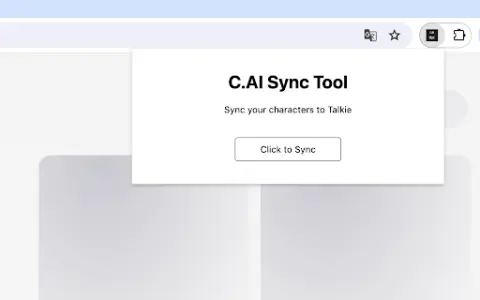
4. Click the plug-in to open it, then click the Sync button to sync.
Character AI Synchronizer ai chrome extension/plugin core features
Sync characters from Character AI to other platforms
Related
Clawnify
Enterprise AI Work Delivery Platform
Amazon AI Image Compliance Labeling (PixPix)
Compliance labels for AI character images
QR code recognition (PixPix)
The screenshot will not be uploaded for code recognition.
Wallpaper size adaptation (PixPix)
Convert photo to full screen wallpaper
Converting PDF files to images (PixPix)
Export PNG/JPG files page by page.
Circular Profile Image Cropping (PixPix)
Transparent circular profile image