AI TOOL / #07230
hahaOCR
Extract text from the image; press the ESC key to exit.
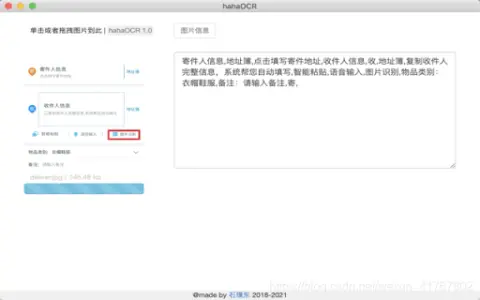
Introduction
Extract text from images and exit with ESC.
What are the Image to Text and ESC Exit App AI Chrome extensions/plugs?
This application allows users to extract text from images and convert it into editable text. Users can upload images by clicking a button and exit the application by pressing the “ESC” key.
How to use the Image to Text & ESC Exit App AI Chrome extension/plug-in?
Click the upload button to select an image. The application will automatically extract the text from the image and display it. Press the “ESC” key to exit the application.
The core functionality of the Image to Text and ESC Exit App AI Chrome extension/plugin.
Image to Text conversion
Use the ESC key to exit the function.
Use the ESC key to exit the function.
Related
FlowScraper
A no-code web crawler with AI actions and anti-bot protection.
ANDRE
Automated analysis of survey data using artificial intelligence to generate insights and reports.
Glov
An AI-based e-commerce optimization platform designed to enrich product data and enhance the customer experience.
Infranodus
An AI text analysis tool that utilizes network visualization and GPT-3 to generate insightful analyses.
POV-Apty Client
Enhance user interaction and guidance through real-time assistance and guidance.
ChatGPT 4 for Google – ChatGPT Everywhere
Browser extensions that integrate ChatGPT with search engines and Midjourney AI to provide assistance and generate images.