AI TOOL / #07091
ScreenRedact
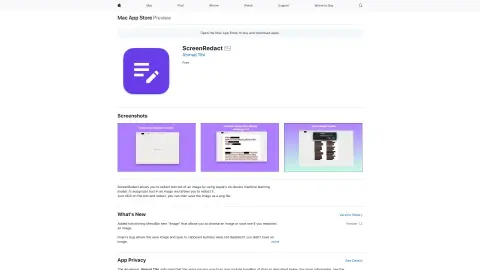
A Mac application designed to use local machine learning techniques to identify and highlight text within images.
Introduction
Mac app for redacting text in images using on-device machine learning.
What is ScreenRedact?
ScreenRedact is a Mac application developed by Ahmad Tibi that allows users to quickly conceal sensitive information from images. It utilizes Apple’s native machine learning technology to identify text within images and provides a user-friendly interface for masking those areas. The modified images can then be saved in PNG format.
How to use ScreenRedact?
Open an image in ScreenRedact, and the application will automatically detect any text present. Click on the text to darken it. Save the darkened image as a PNG file.
The core functions of ScreenRedact
Using Apple’s native machine learning technologies for text masking/darkening.
Save the image in PNG format.
Copy the image to the clipboard.
Save the image in PNG format.
Copy the image to the clipboard.
Related
Algochat
AI chatbots designed for streamers enhance audience engagement through real-time interactions.
ElBot
The next generation of AI chatbots provides instant responses and virtual assistant services.
Creatorboost
AI chatbot and CRM for OnlyFans and Fansly creators designed to increase engagement and revenue.
Krishn.ai
The AI chatbot answers questions related to life and philosophy, and provides daily inspiration.
ChatGPT Français (French)
Free French-language version of ChatGPT, utilizing GPT-4 to provide instant responses and support for voice input – no registration required.
ChatGPT Svenska
Free Swedish chatbot using GPT-3.5 and GPT-4, no registration required.