AI TOOL / #06796
AutoPod
An Adobe Premiere Pro plugin for automatic video podcast editing.
Introduction
Adobe Premiere Pro plugin for automatic video podcast editing.
What is AutoPod?
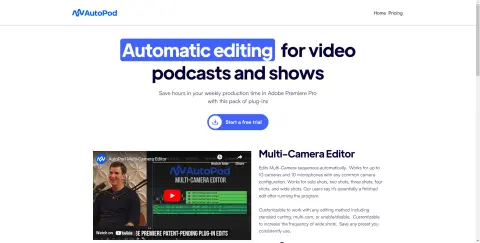
AutoPod is a set of plugins for Adobe Premiere Pro, designed specifically for video podcast and video program editors. It automates tasks such as multi-camera editing, creation of social media-ready content, and seamless editing based on audio silence markers. By streamlining processes that often prove time-consuming for editors, AutoPod helps to save valuable production time every week.
How to use AutoPod?
Install the AutoPod plugin in Adobe Premiere Pro. Open a project file in Premiere Pro, navigate to Window > Extensions, and then click on the desired AutoPod application. Use these tools to automatically edit multi-camera videos, create social media-ready clips, or add transitions based on audio silence.
The core functions of AutoPod
Automatic multi-camera editing
Social media content creation
Jump-cut editing
Social media content creation
Jump-cut editing
Related
financialaidtv.com
An artificial intelligence-based platform for engaging higher education students.
Walling AI
Walling is a visualization platform that uses AI to assist organizations in their work and help them showcase their creativity.
texts.com
Texts combines multiple messaging platforms into a single inbox with AI assistance and privacy protection.
EarnBetter
An AI-based job-seeking assistant that helps with the creation of resumes and cover letters, as well as facilitates job matching.
Claude 3
A company dedicated to the security and research of artificial intelligence, striving to develop reliable, explainable, and guided AI systems.
Veriom
An AI platform for real-time cybersecurity and compliance management, built for modern systems.