AI TOOL / #06765
Observe.AI Screen Recording
Browser extension for recording an agent's screen during customer interactions, for use with Observe.AI.
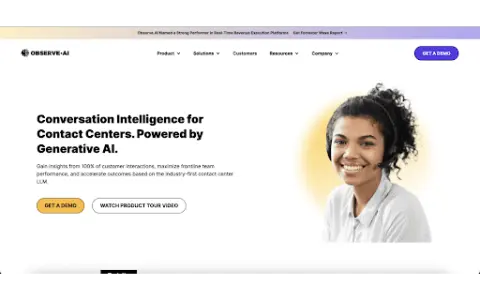
Introduction
Browser extension for recording agent screens during customer interactions for Observe.AI.
What is Observe.AI Screen Recorder Browser Extension ai chrome extension/plugin?
Observe.AI Screen Recording Browser Extension is a tool designed to capture and record user interactions in a web browser. This extension is primarily used to record agent screens during customer interactions, providing valuable data for quality assurance, compliance monitoring, and performance analysis. It integrates seamlessly with the Observe.AI platform for easy access and analysis of recorded sessions.
How to use Observe.AI Screen Recorder Browser Extension ai chrome extension/plugin?
Install the Observe.AI screen recording browser extension from the Chrome App Store or other supported browser extension marketplaces. Once installed, configure the extension to connect to your Observe.AI account. The extension will then automatically record agent screens during specified customer interactions, based on predefined triggers or manual activation.
Observe.AI Screen Recorder Browser Extension ai chrome extension/plug-in core functionality
Automatically record screen during customer interactions
Integrated with Observe.AI platform
Configurable recording triggers
Secure data storage and transfer
Integrated with Observe.AI platform
Configurable recording triggers
Secure data storage and transfer
Related
Convo
Real-time AI Sales Call Assistant
Motiofy
Multi-model Video Generation Workbench
Naoma AI
AI-powered video sales demonstration service
Zhongyun Version Chain
AIGC Copyright Certification Platform
Viso Now
Building computer vision applications without writing a single line of code
49Agents IDE
Cross-project Agent 2D IDE