AI TOOL / #02619
cFlow
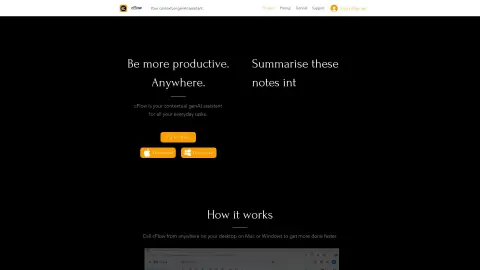
cFlow is a desktop AI assistant designed for research, writing, and information retrieval tasks.
Introduction
cFlow is a desktop AI assistant for tasks like research, writing, and information retrieval.
What is cFlow?
cFlow is a desktop tool that converts text in applications and browsers into ChatGPT queries via hotkeys. It can answer questions, save/retrieve information, reply to emails, draft, summarize and translate text. It is a contextual, generative AI assistant for research, text editing, note-taking, scheduling, and more that provides seamless knowledge access, right on the desktop.
How to use cFlow?
Select text anywhere on your desktop (Mac or Windows) and press a hotkey to convert it into a ChatGPT query. cFlow can answer questions, respond to emails, draft documents, and more.
cFlow core features
Contextual generative AI assistant
Hotkey activated ChatGPT query
Seamless knowledge access between desktop devices
Related
DriveGPT
An AI based on GPT-4 that uses the files in your Google Drive to provide assistance.
Draft by Slite
A disturbance-free, fast notes-taking and creative editing tool that automatically saves files and integrates seamlessly with Slite.
Tettra
An AI-powered knowledge base used to organize company information and answer questions.
ChatPhoto: Ai Image To Text
AI tools that convert images into text and allow users to “converse” with the photos themselves.
Hypercharge AI: Parallel Chats
Mobile-first AI chatbot for parallel prompting and LLM benchmarking.
Overchat
A comprehensive AI platform that integrates multiple features—including ChatGPT, Claude, and Gemini—to deliver a smarter experience.