AI TOOL / #10766
Transcribe YouTube Video
Chrome extension for YouTube transcription, summarization and navigation.
Introduction
Chrome extension for YouTube transcription, summarization, and navigation.
What is Transcribe YouTube Video ai chrome extension/plugin?
Transcribe YouTube Videos is a Chrome extension designed to enhance your YouTube experience by transcribing videos, extracting subtitles, providing summaries and easy content navigation. It uses artificial intelligence technology to transcribe and summarize videos in multiple languages, allowing users to quickly obtain and utilize information in YouTube videos.
How to use Transcribe YouTube Video ai chrome extension/plugin?
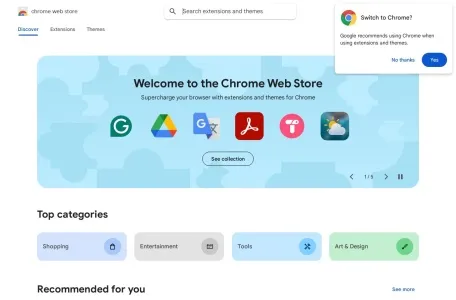
1. Install the extension from the Chrome Web Store.
2. Open any YouTube video.
3. Access the extension panel for transcripts, AI summaries, and time navigation.
4. Download or copy the text as needed.
Transcribe YouTube Video ai chrome extension/plugin core features
AI-driven transcription and summarization
Multi-language support
Time navigation with timestamps
Downloadable transcription document
Copy transcript to clipboard
Related
Ankon AI
Turning a topic into a whiteboard explanation video
SunSed
Generating operational business applications based on descriptions
Tancky AI
An AI tool that seamlessly combines multiple photos into a single image
OpenSEO
Open Source Ahrefs and Semrush Alternatives
Floani
An AI-based diagramming tool that enables flowcharts and architecture diagrams to come “alive”
nashnova
An AI-based investment research agent designed for the Hong Kong and U.S. stock markets