AI TOOL / #10696
CANVID for Windows
Screen recording tool with auto-enhancement to easily create professional videos.
Introduction
Screen recording tool with automatic enhancements for creating professional videos easily.
What is Canvid?
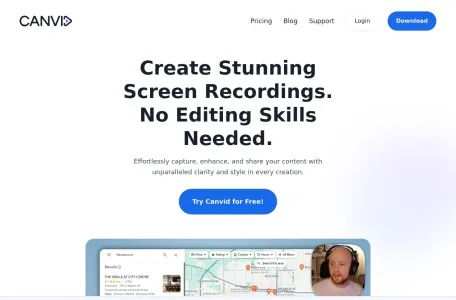
Canvid is a screen recording tool designed to easily capture, enhance and share screen recordings. It offers features like smooth mouse movement, auto-zooming, cinematic motion blur, and background effects, making it ideal for creating high-quality presentations, tutorials, and promotional videos without advanced editing skills.
How to use Canvid?
Capture the screen with just one click, enhance it with auto-zoom and AI background effects, add subtitles, and finally share the finished video instantly via cloud upload or local save.
Canvid’s core features
Auto scaling
AI background effect
Automatic subtitles and transcriptions
Simple screen recording
Share instantly
AI enhanced speech
Creative camera features
Related
ASSIST Biz
ASSIST is a document management software for financial recordkeeping with automated data extraction capabilities.
FormToExcel
Use AI to convert forms and images into Excel files, thereby enabling automatic data extraction.
O.Translator
AI-based document translation tool that maintains the original format.
AnyParser
AnyParser simplifies the process of data entry by enabling accurate data extraction and providing effective privacy protection measures.
Pizi – AI Assistant for Multiple PDFs
An AI assistant designed for multi-file analysis, document summarization, translation, and the solution of mathematical problems.
PoliticHook
PoliticHook tracks congressional stock trades and sends real-time alerts.